
Knowledge
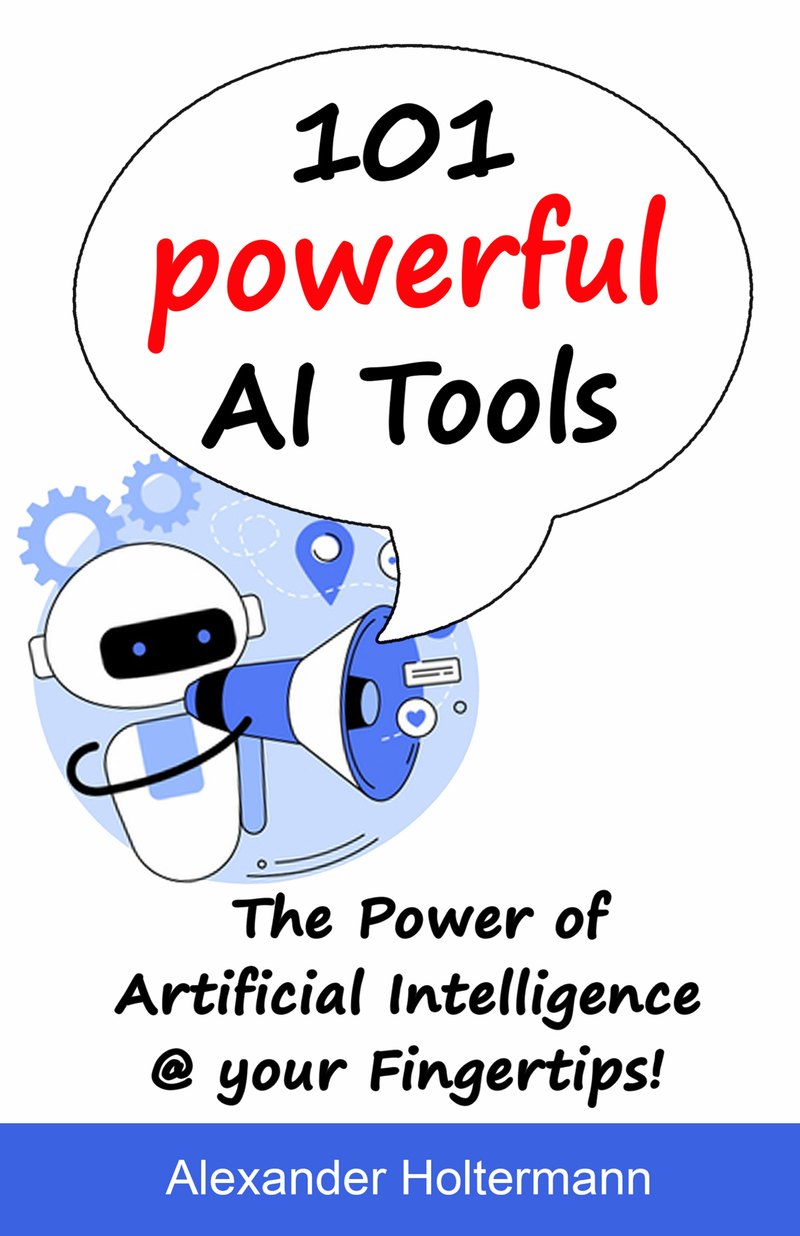
101 powerful AI Tools
The Power of Artificial Intelligence @ your Fingertips!
Alexander Holtermann · Balzac Publishers
In short
101 powerful AI Tools by Alexander Holtermann is a practical guide that presents artificial intelligence applications for writing, productivity, business, law, real estate, search engine optimization, programming, no-code building, social media, images, design, video, music, audio, learning and gaming. For each tool the book explains what it does, how individuals and businesses can use it, and gives concrete examples. It does not rank the tools but offers them as a starting point, arguing that AI tools save time and support better decisions when they are chosen carefully for one's own needs.
What the book is about
101 powerful AI Tools by Alexander Holtermann, signed in Germany in November 2023, is a guided tour through the fast-growing market of artificial intelligence applications. In the introduction the author writes that he has identified over 3,800 tools and has heard that some 5,000 are already out there. The tools in the book are meant as examples of what exists. He states that he does not intend to rank them or promote one over another; his goal is to give readers a starting point for exploring AI for productivity, creativity and fun.
The book is organized by field of application. It starts with writing tools and moves through productivity, business, legal and real estate tools, search engine optimization, code assistants, no-code platforms, social media growth, image and art generators, graphic design, video, music, audio, learning and gaming. A bonus chapter on fun tools continues the numbering up to 110. Each entry follows a similar pattern: a short description, the main use cases, a list of practical examples and a personal assessment. For the first two writing tools the book adds 10 business questions that readers can enter verbatim.
The introduction explains why AI tools matter. According to Holtermann, they learn from previous input and become more efficient over time, take over tasks such as natural language processing and image recognition, and find patterns in data that would not be visible to the naked eye. AI can streamline manual tasks that previously took hours or days and provide insights for better decisions. At the same time he stresses that users need a clear understanding of what a tool can really do, and should weigh its benefits and risks for their organization or everyday life before choosing it.
For choosing a tool, the book names concrete criteria: a reliable support system, security that meets requirements and industry regulations with protocols to safeguard data, a decision between an intuitive interface and advanced features depending on the intended use, and the ability to scale as a company grows. A step-by-step approach follows: understand the impact and risks, select carefully, automate tedious processes, create new products or services, and gain a competitive edge. A glossary at the end explains AI terms from A/B testing to weights and biases.
Key ideas
- A starting point, not a ranking Holtermann presents the tools as examples from a market of thousands of applications. He explicitly does not rank them or promote one over another; the book is meant as an entry point for readers' own exploration.
- AI takes over tedious work The book's central promise is time savings: AI can streamline manual tasks that used to take hours or days, automate processes and free up resources. Across the chapters this ranges from proofreading and meeting notes to scheduling, contract review and audio cleanup.
- Understand benefits and risks first Before adopting a tool, users should understand what it is really capable of and how it could affect their organization or everyday life, positively or negatively. In the author's words, making the most of AI tools requires a personal touch.
- Clear criteria for choosing a tool Rather than picking the best-performing tool, the book advises finding one that meets specific needs. It names reliable support, security and compliance with industry regulations, the balance between an intuitive interface and advanced features, and scalability.
- AI reaches almost every field The range covers text, translation and decision support, customer service and sales, legal documents, floor plans and interior design, search engine optimization, programming, images, video, music, audio, learning and games. The breadth itself is part of the message that AI is changing how people live and work.
- Many tools need no technical expertise A recurring theme is that AI lowers the barrier to entry. The book describes tools that build websites, design visuals, create computer vision models or add AI to spreadsheets without coding or design skills.
- Concrete prompts and examples Each entry lists practical use cases for individuals and businesses. For conversational AI the book suggests ready-made business questions, for example how to increase customer satisfaction or reduce costs while maintaining quality.
Who it is for
The book addresses writers looking for inspiration, business owners who want to streamline their operations, employees and anyone who simply wants to have fun with new technology, whether they are seasoned professionals or just starting out with AI.
Key terms
- AI tool
- In the book, an AI-based system that performs tasks that would normally require human input, such as natural language processing and image recognition. Such tools learn from previous input and experiences and can become more efficient over time.
- Prompt
- The glossary defines a prompt as a cue or stimulus for an AI system to start processing a task.
- Prompt engineering
- According to the glossary, the process of designing the conversation flow between humans and chatbots, including writing prompt messages, understanding user input and providing appropriate responses.
- Natural language processing (NLP)
- A type of artificial intelligence technology that enables computers to process, interpret and generate natural language. Many of the writing, customer service and research tools in the book rely on it.
- Large language model (LLM)
- The glossary describes it as a type of natural language processing technology designed to process large vocabularies or broad use cases.
- Generative AI model
- An artificial intelligence model that takes in input data and generates its own outputs based on what it has learned, for example text, images, video or music.
- Computer vision
- The ability of a computer system to process visual information such as images or video footage. The book connects it to tasks like object detection and image classification.
- Sentiment analysis
- The identification and categorization of opinions expressed in text by polarity, such as positive, negative and neutral. Several business tools in the book use it to read customer feedback.
- A/B testing
- A method used to compare two versions of a product, service or interface to determine which performs better statistically.
- Explainable AI (XAI)
- Artificial intelligence techniques designed to understand, explain and justify their results and predictions. The related term explainability describes how far humans can understand a model's decisions.
Questions & answers
- What can AI tools do for me?
- According to 101 powerful AI Tools, AI tools can streamline manual tasks that previously took hours or days, automate processes and provide insights for better decisions. They perform tasks that would normally require human input, such as natural language processing and image recognition, and find patterns in data that would not be visible to the naked eye.
- How many AI tools are there?
- In his introduction Alexander Holtermann writes that he has identified over 3,800 tools and has heard that some 5,000 are already out there. The tools presented in 101 powerful AI Tools are therefore meant only as examples and a starting point.
- How do I choose the right AI tool?
- The book advises looking for a tool that meets your specific needs rather than simply the best-performing one. Important criteria are a reliable support system, security that meets requirements and industry regulations, a deliberate choice between an intuitive interface and advanced features, and the ability to scale as your company grows.
- What are the risks of using AI tools?
- Holtermann stresses that it is important to understand what AI tools are really capable of and how they could positively or negatively affect an organization or everyday life. He recommends assessing the benefits and risks of a tool before deciding which one works best, and lists security and data protection among the selection criteria.
- Can AI help me write texts?
- Yes. The book's first chapter presents writing tools that draft blog posts, emails, social media posts, product descriptions and sales pages, rewrite existing content to make it easier to read, generate ideas and headlines, check grammar and spelling, and simplify complex or jargon-filled language.
- Can AI take over customer service?
- 101 powerful AI Tools describes chatbots, voice assistants and phone agents that answer frequently asked questions, process orders, give personalized recommendations and respond around the clock, in some cases in multiple languages. The book presents this as a way to cut customer service costs and let teams focus on more important tasks.
- Can AI help me understand a contract?
- The legal chapter describes tools that break down legal language into easy-to-understand terms, generate summaries of key points, and check documents for missing elements, potential risks and errors before signing. Other tools are presented as help with drafting and reviewing contracts or with everyday administrative and consumer matters.
- Can AI create images and videos from text?
- Yes. The book presents image generators that create visuals and art from textual descriptions, and video tools that turn scripts, blog posts or articles into videos, sometimes with AI avatars or automated dubbing into other languages. It also covers tools for upscaling, restoring and editing images.
- Can I use AI without programming skills?
- According to the book, many AI tools require no coding or design skills. It describes tools for building websites, designing visuals, creating chatbots, building computer vision models and adding AI functions to spreadsheets, all without writing code.
- How can AI help programmers?
- The chapter on code assistants describes AI that suggests code completions and entire functions based on context, detects errors, proposes optimizations and refactoring, and helps automate parts of the development process. The book presents these tools as a way to save time on repetitive standard code.
- Can AI compose music or improve audio recordings?
- The music and audio chapters of 101 powerful AI Tools describe tools that generate adaptive or royalty-free music without prior musical experience, filter background noise in real time, remove filler words and stutters from podcasts, and convert text into natural-sounding speech in several languages.
- What is a prompt?
- The glossary of 101 powerful AI Tools defines a prompt as a cue or stimulus for an AI system to start processing a task. As a practical example, the book lists business questions that readers can enter verbatim into a conversational AI, such as how to attract new customers or streamline operations.
More knowledge pages




Updated: 22 November 2026